Here is the thing: it is a struggle to check if a number is on WhatsApp or not. You have to add the mobile number first as a contact before you can verify if the number is WhatsApp-registered or not.
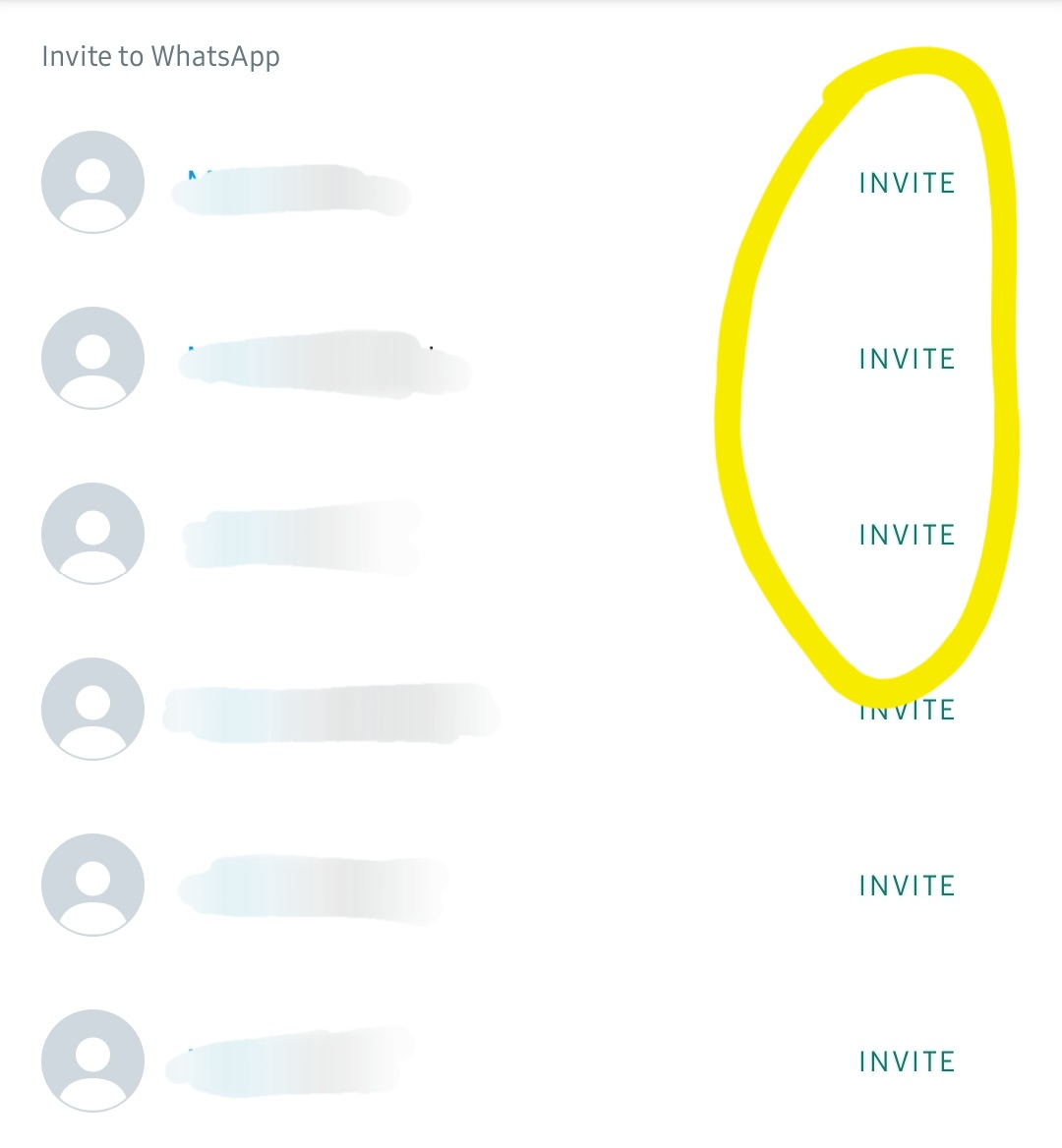
If the “Invite” button appeared after you added the contact number, it means that the number is not yet registered on WhatsApp. Check the full steps here.
But did you know, there is an easier way to check this?
In this article, we will show you the step-by-step guide in using the WARocket’s Download Report feature, so you can check if the number is on WhatsApp or not without adding them on your contact list.
But first, what is WARocket?
WARocket Sender for WhatsApp is a customer engagement tool that is lightweight and easy-to-use, accessible right inside your Chrome browser. With WARocket, you can:
- Engage with your customers via WhatsApp
- Send messages without adding people to your contact list
- Send messages via CSV file
- Highlight unread texts, blur recent message, contact details or contact images
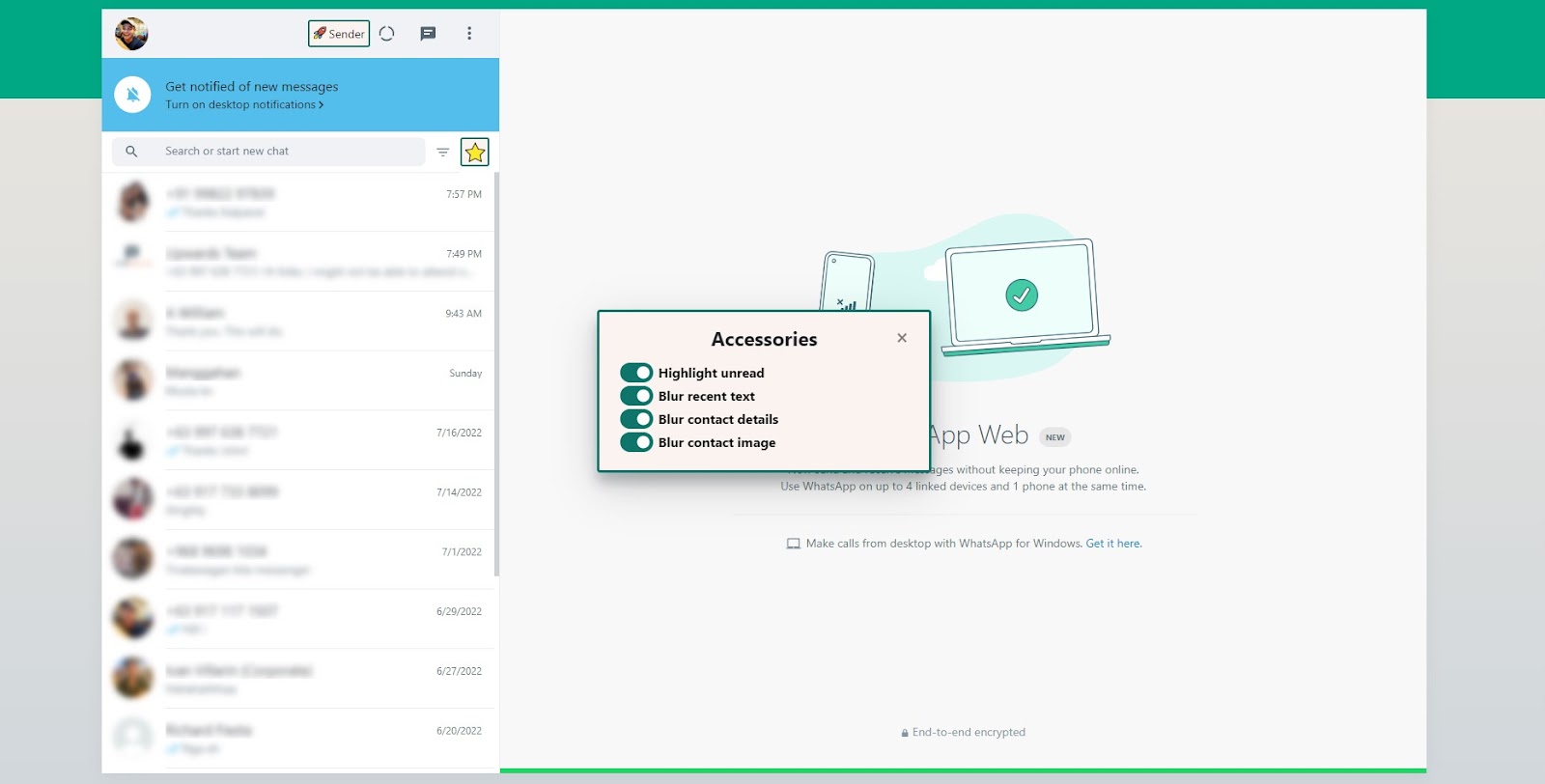
And of course, you can also download a report about the message sending activities in WhatsApp.
The Download Report feature
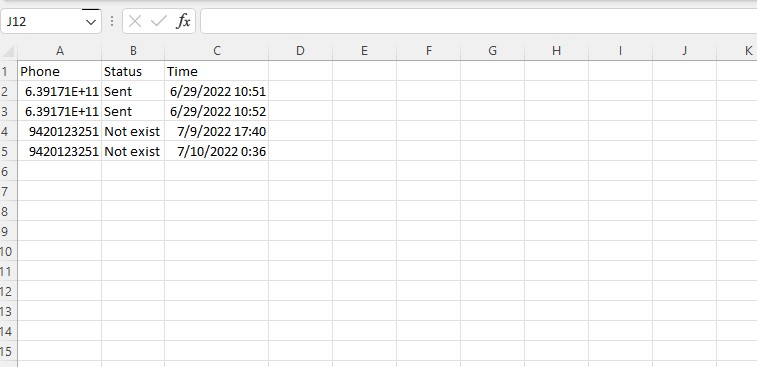
With the WARocket’s Download Report feature, you can have a glimpse of your sending activities in WhatsApp including:
- The phone numbers of the people you’ve sent the message to
- The status of the message sending activities
- The Time and Date of the activities
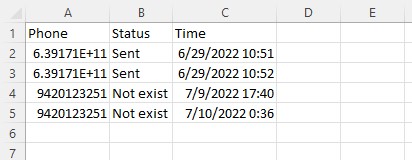
Now the status comes in 2 possible results:
- SENT. It means that the message was successfully sent
- NOT EXIST. It means that the number you are trying to reach is not a WhatsApp registered number
By checking the status on the downloaded report, you can now check if the number is on WhatsApp or not.
How To Use the Download Report Feature
1. Go to rocketsend.io and install the Chrome extension to your browser.
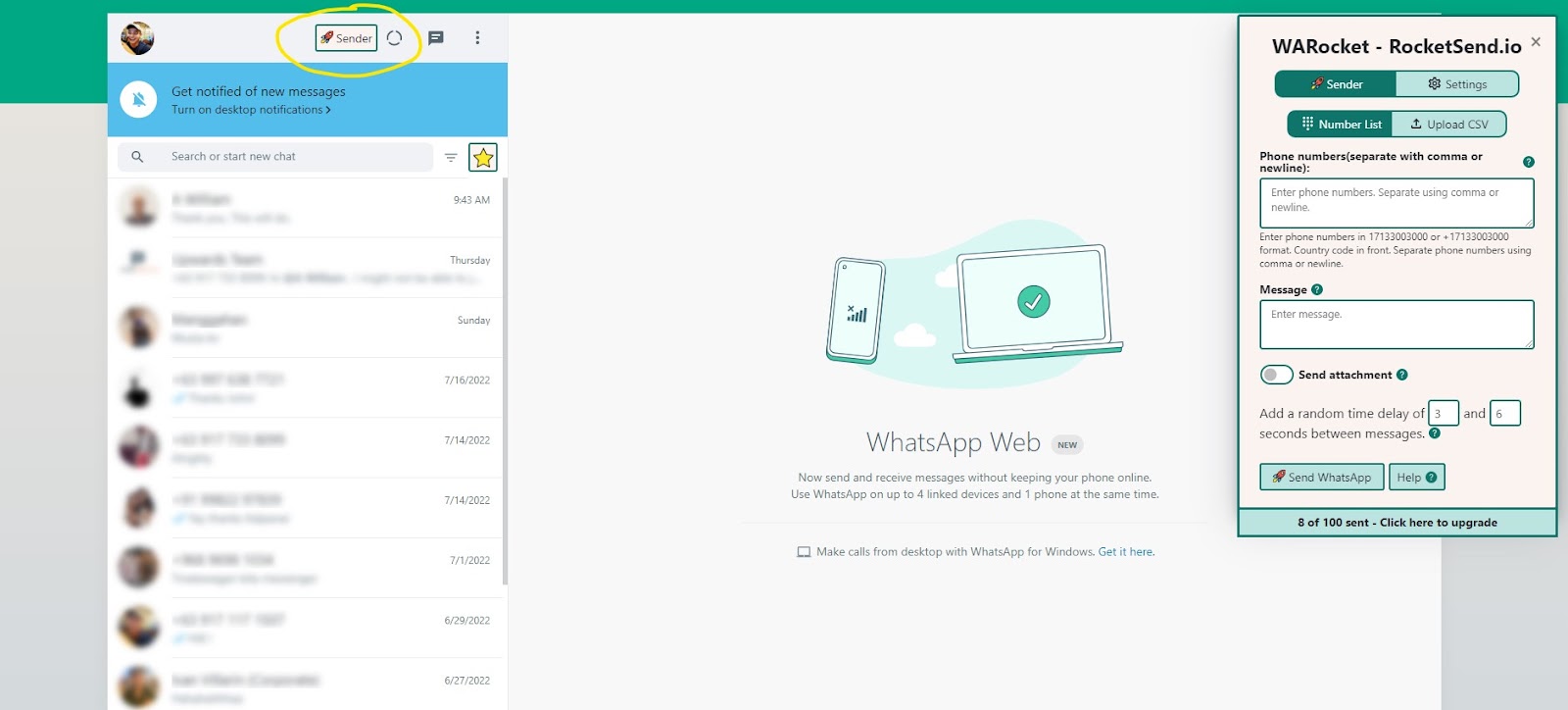
2. If the WARocket Pane on the top right corner is not yet opened, click the Sender button, to open the pane.
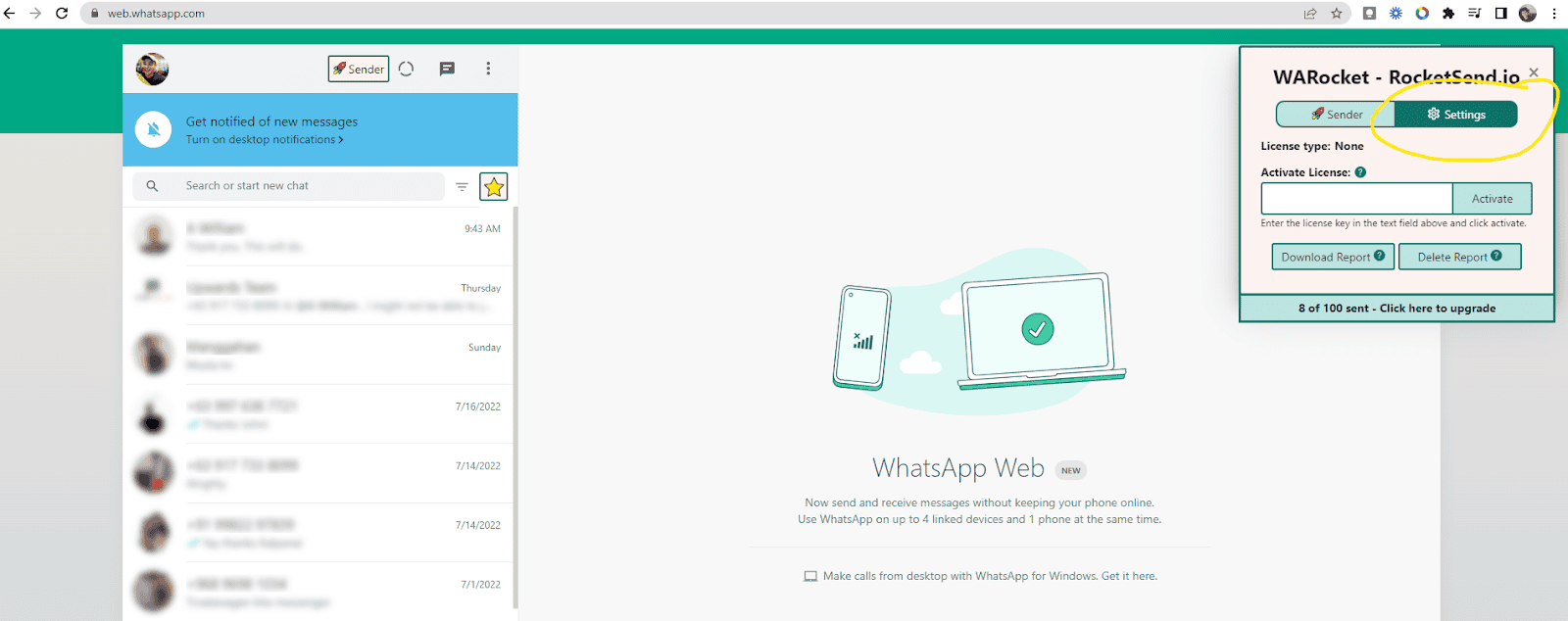
3. On the WARocket Pane, click Settings
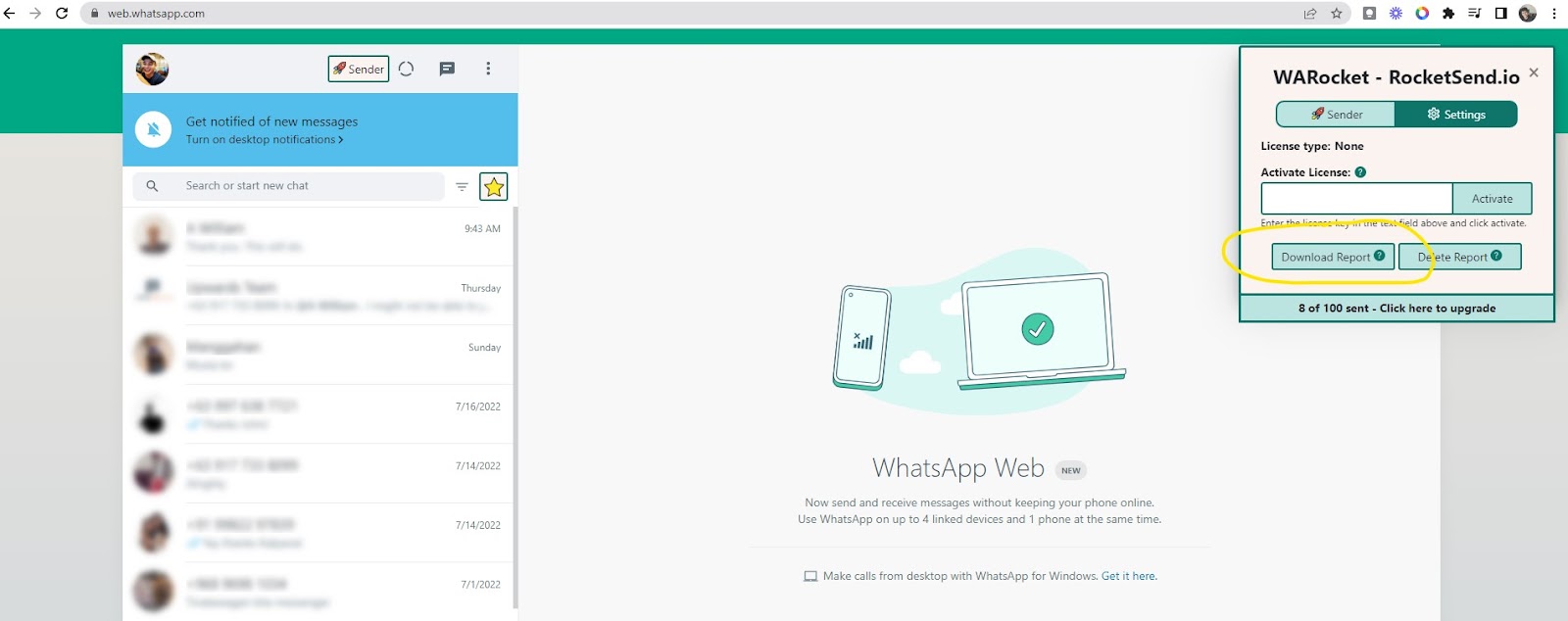
4. And click Download Report
5. A CSV file will be downloaded containing the recent sending activities
Conclusion
Aside from the lightweight and easy-to-use features of WARocket as a Customer Engagement Tool, the Download feature is a great help in verifying if the number is on WhatsApp or not, saving you from the hassle of adding the numbers manually to your contact list.
Got questions about the great features of WARocket? Check out our Guides section to know more.