In WhatsApp marketing, sharing chat previews or demos can sometimes expose sensitive customer data. RocketSend.io’s Blur View feature solves this problem by instantly masking phone numbers, addresses, and order details.
With just one click, Blur View hides private information inside your WhatsApp Web interface, so you can safely take screenshots, record demo videos, or showcase workflows—without ever risking data leaks.
Why Privacy Matters
Protecting customer privacy isn’t just good manners—it’s a legal requirement under regulations like GDPR and CCPA. Masks build trust and demonstrate your commitment to security, setting you apart in a world where data breaches make headlines. By defaulting to privacy-first methods, you reduce risk, maintain compliance with WhatsApp’s privacy policy, and safeguard your brand reputation.
Install rocketsend.io
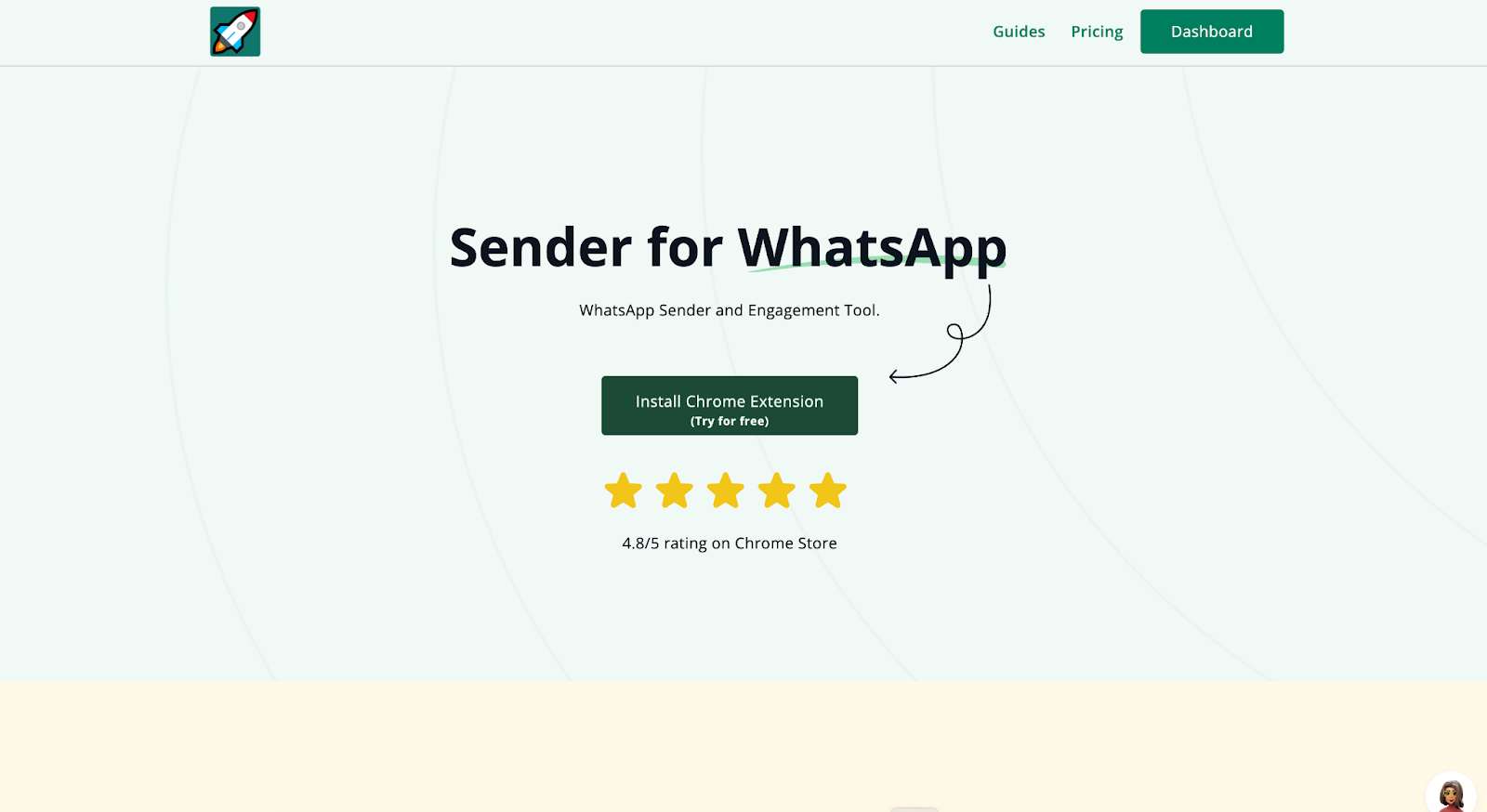
Open Chrome and visit rocketsend.io → click the “Install Chrome Extension” button → add the extension to Chrome → confirm the installation
Pin the rocketsend.io icon next to your address bar. Open WhatsApp Web and click the Sender button in the top-left corner to launch the rocketsend.io pane
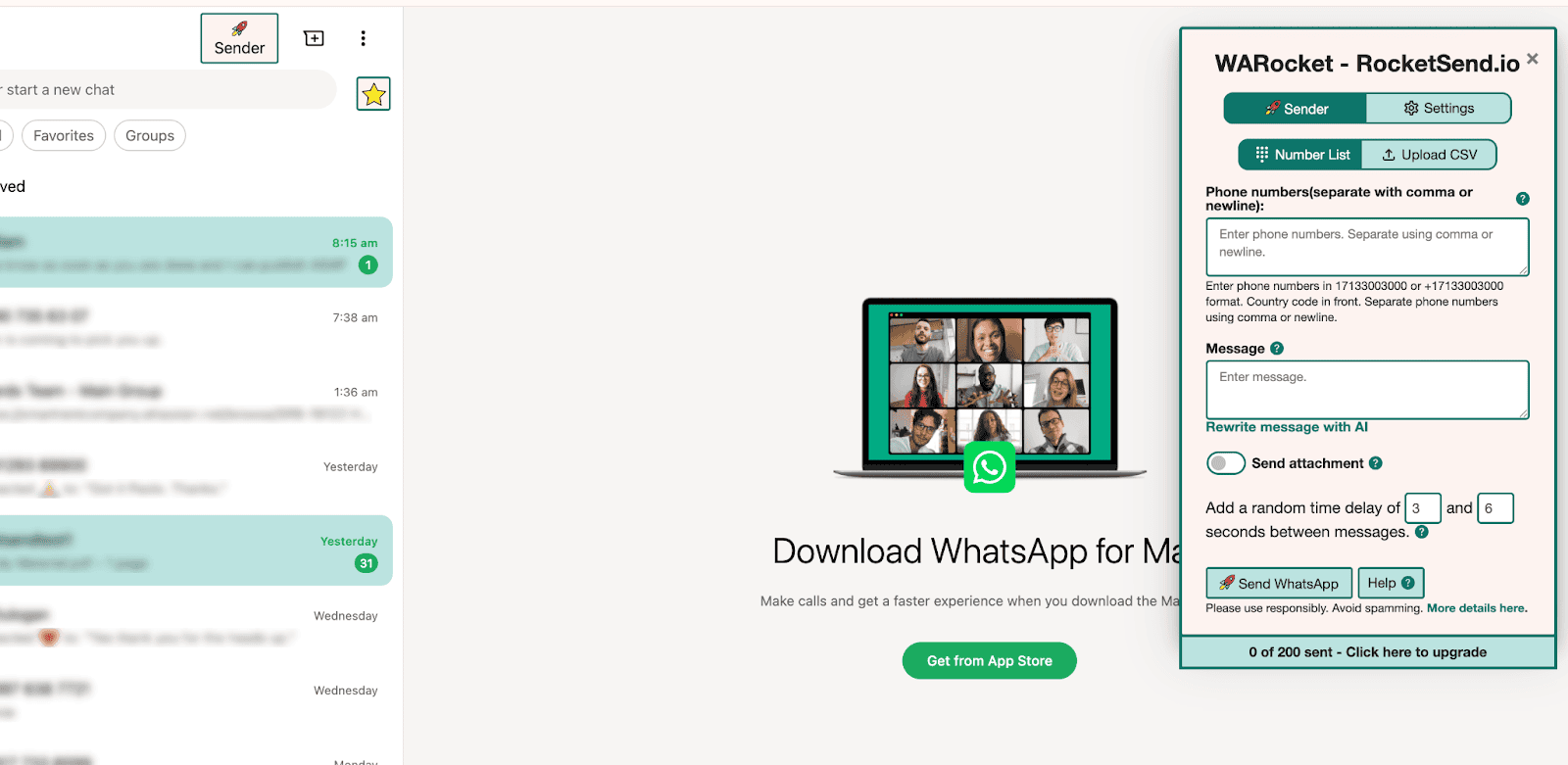
Use Blur View to Mask Information
Launch WhatsApp Web and open the rocketsend.io pane by clicking the ★ star icon in the top-left corner.
Toggle on Blur recent text, Blur contact details, or Blur contact image in the Accessories menu to mask sensitive items instantly.
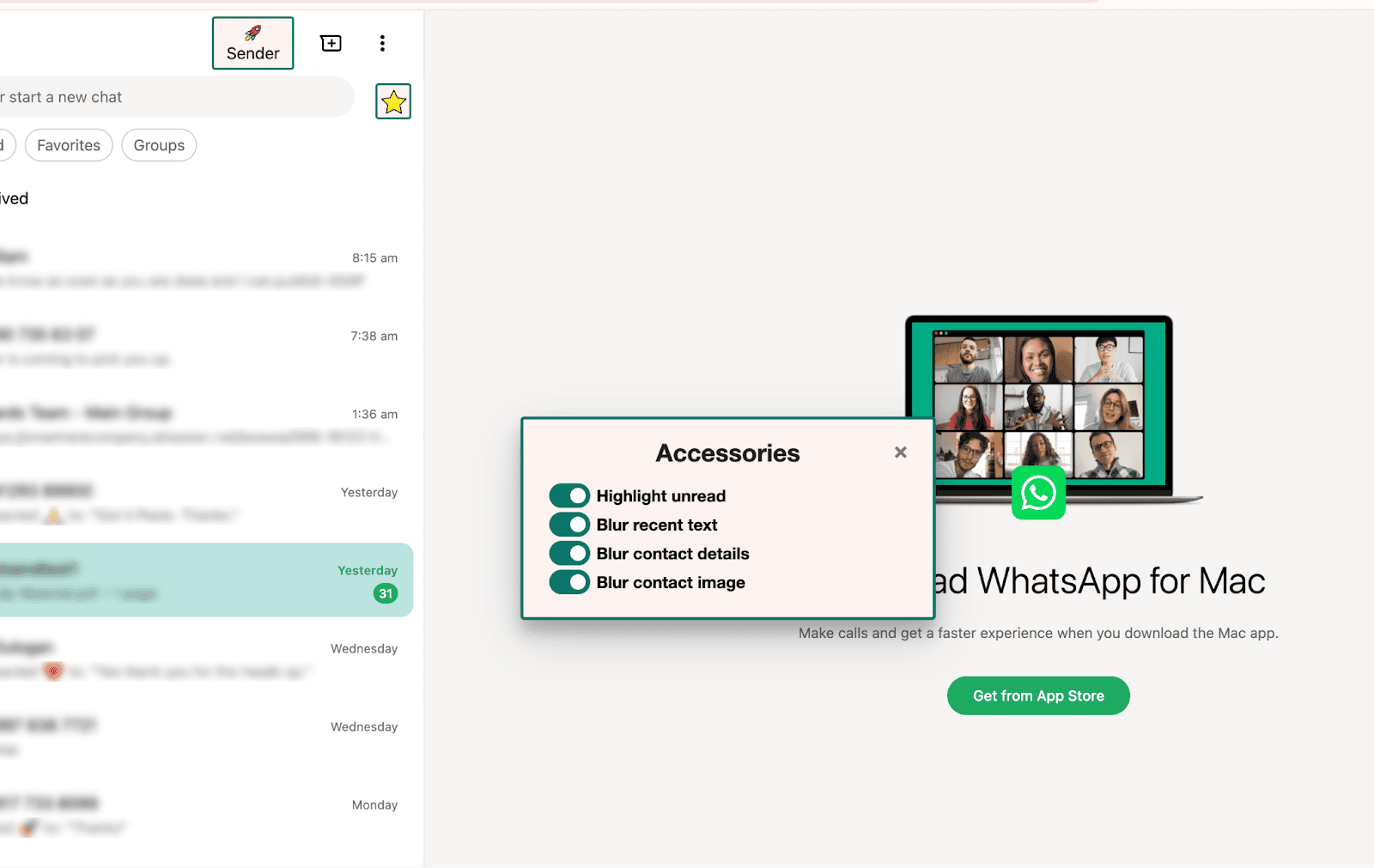
Customize Blur Settings
Open the Accessories menu in the rocketsend.io pane (★ icon) to access blur options.
Use the switches to enable or disable:
- Highlight unread for unread-chat cues
- Blur recent text for message content
- Blur contact details for phone numbers and emails
- Blur contact image for profile pictures
Feel free to toggle combinations to suit your demo or screenshot needs—RocketSend applies your preferences in real time.
Best Practices & Tips
Always activate Blur View before taking screenshots or screen recordings for training materials or demos
Combine Blur View with manual emoji reactions to highlight key parts of a chat without showing private info. Review your masked content to ensure no unintentional details slip through
Conclusion
With rocketsend.io’s Blur View, you turn privacy into a competitive advantage. Spend seconds masking sensitive data, and you’ll share tutorials, demos, and success stories with peace of mind. Try Blur View today and keep every WhatsApp interaction both engaging and secure.