Missed messages can easily mean lost opportunities. rocketsend.io solves this with its Highlight Unread feature, which gives unread WhatsApp conversations a clear visual marker so you never miss a valuable chat.
In this guide, you’ll learn how to:
- Install the RocketSend Chrome extension
- Enable the Highlight Unread feature
- Navigate your upgraded chat list with ease
- Apply best practices to respond faster and maintain high engagement
With Highlight Unread, staying on top of conversations becomes effortless—helping you keep customers happy and opportunities within reach.
Why Quick Response Matters
Customers expect brands to reply within 24 hours—slower responses can lead to a 15% drop in satisfaction and lost sales. Fast replies boost trust, increase conversion chances, and send positive signals to Google’s local engagement metrics, reinforcing your presence in WhatsApp-driven customer journeys.
Install rocketsend.io
Open Chrome and visit rocketsend.io → click Install Chrome Extension → Add to Chrome → Confirm
Pin the rocketsend.io icon beside your address bar
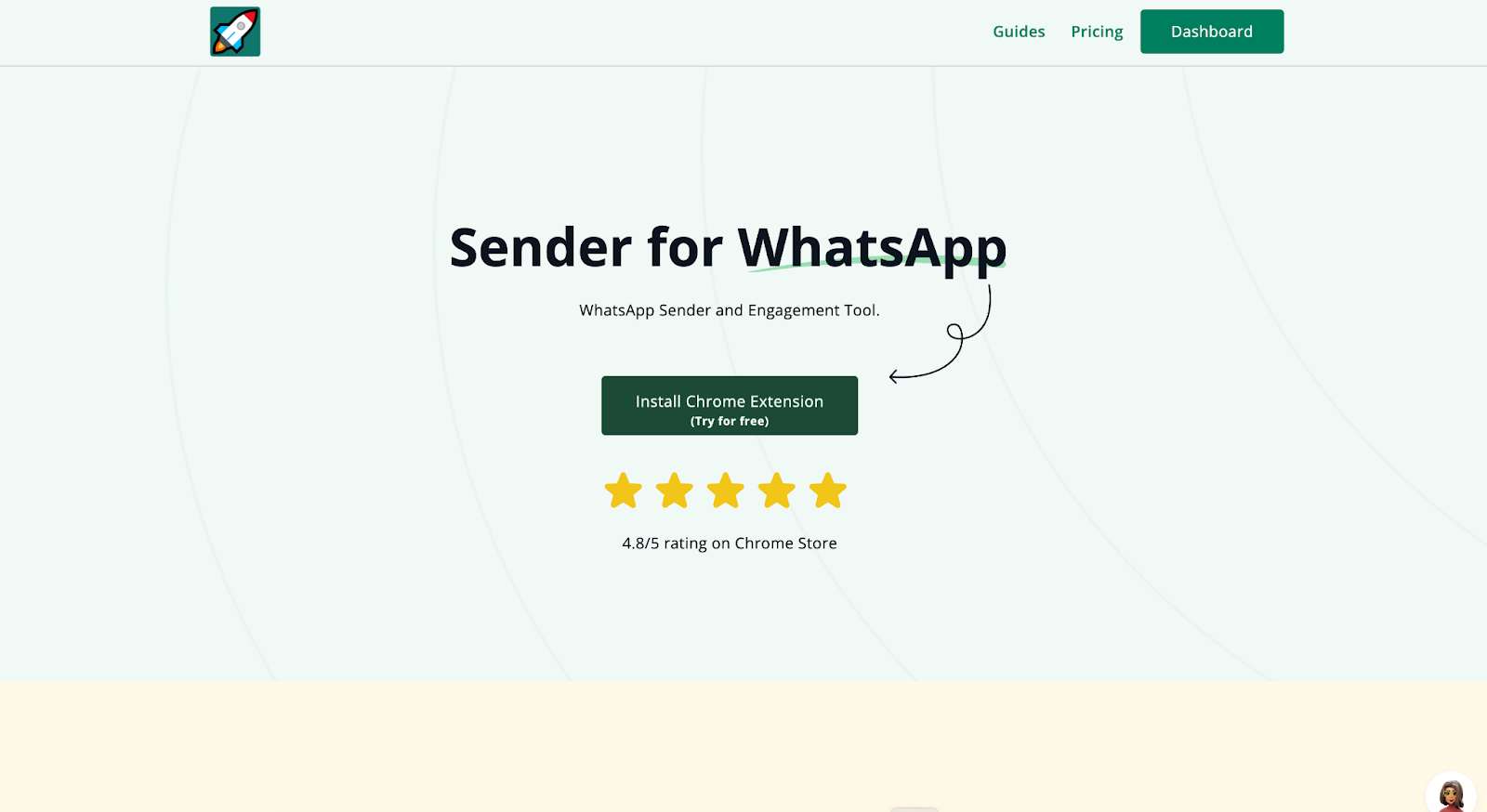
Open WhatsApp Web and click the Sender button in the top-left corner to open the rocketsend.io pane.
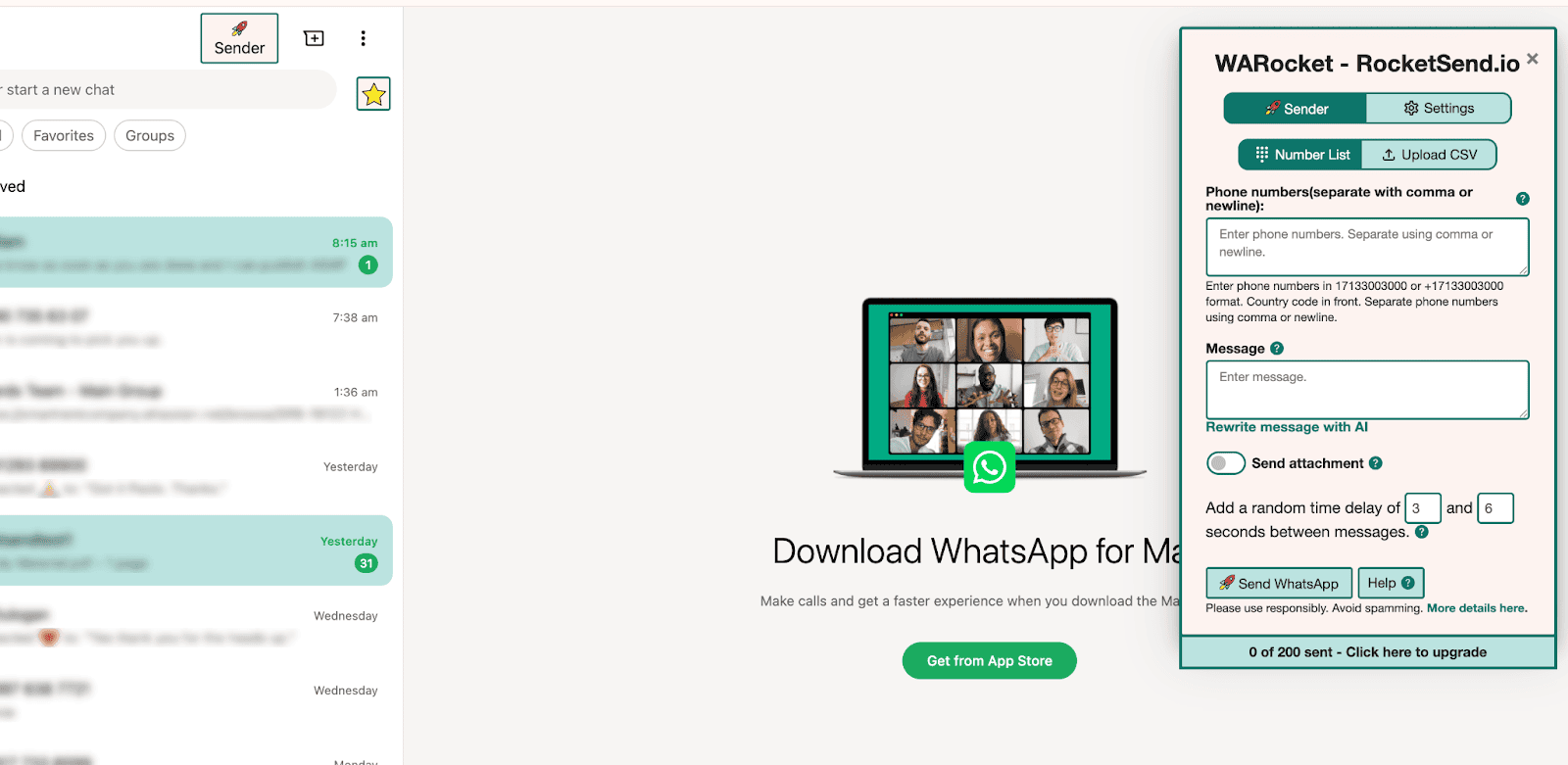
Enable Highlight Unread
In the rocketsend.io pane, locate the ★ star icon
Click Accessories to reveal toggle options
Turn on Highlight unread to instantly flag new messages in your chat list
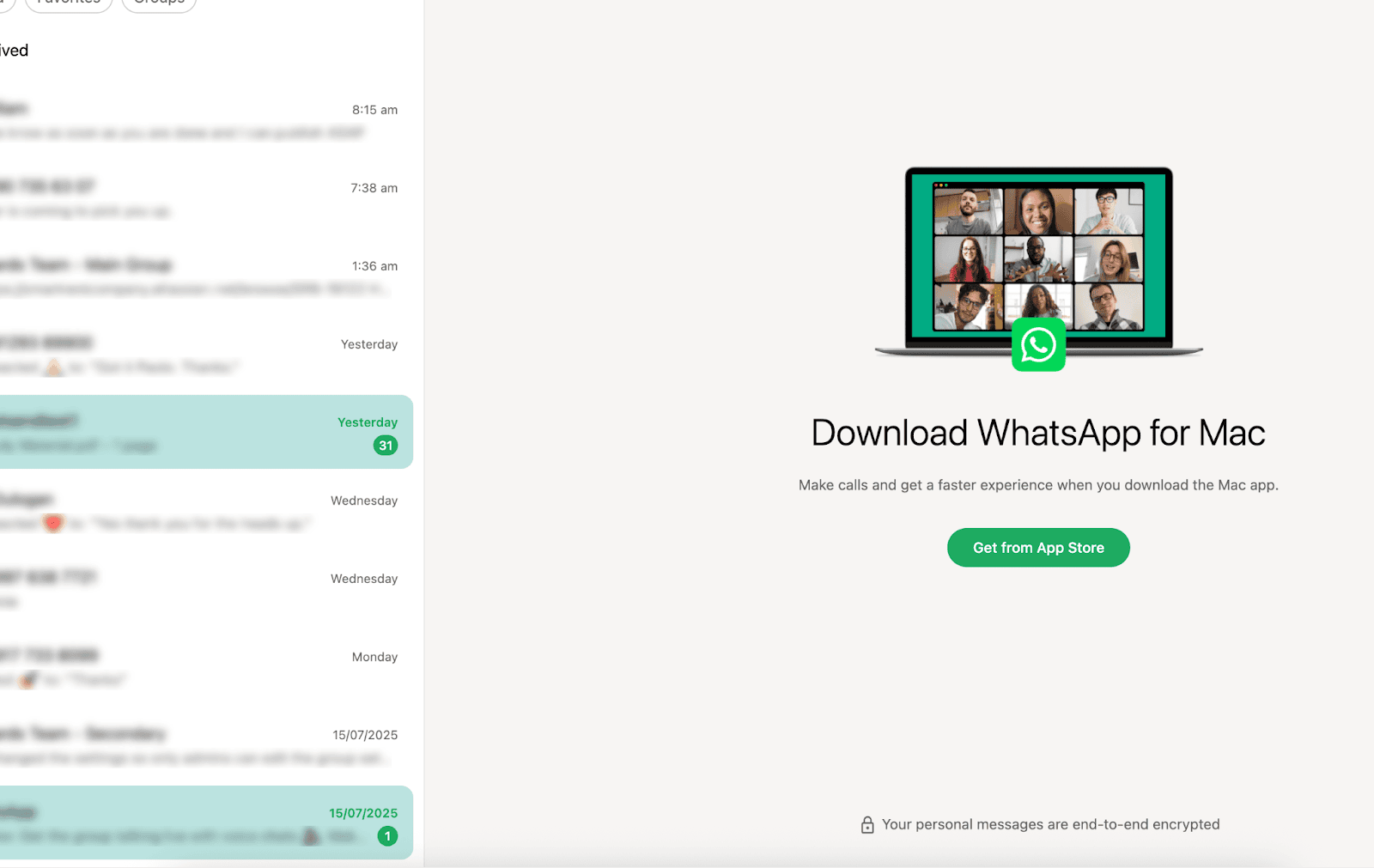
Navigate Your Enhanced Chat List
- Unread chats now display a colored marker—click to see the first message snippet
- Use WhatsApp’s built-in search or scroll with ease, focusing only on flagged conversations
- Prioritize responses by clicking directly into each highlighted chat, keeping your workflow organized
Best Practices & Tips
- Respond to all unread messages within 24 hours to maintain high customer satisfaction
- Combine Highlight Unread with send-delays for new outbound campaigns, balancing promptness with natural pacing
- Regularly clear your highlights after follow-up to keep the list clean and actionable
Conclusion
With rocketsend.io’s Highlight Unread feature, you’ll transform your chat list into a priority queue—ensuring every important message gets the attention it deserves. Install rocketsend.io today and stay ahead by responding faster than ever!