People love feeling special. Sending limited-time promotions exclusively through WhatsApp generates excitement and urgency, often driving 25% higher click-throughs than other channels. rocketsend.io makes it easy to share one-off deals directly with your most engaged contacts without complex campaign tools.
Install rocketsend.io
Open Chrome and visit rocketsend.io. Click Install Chrome Extension → Add to Chrome → Confirm. Pin the rocketsend.io icon next to your address bar
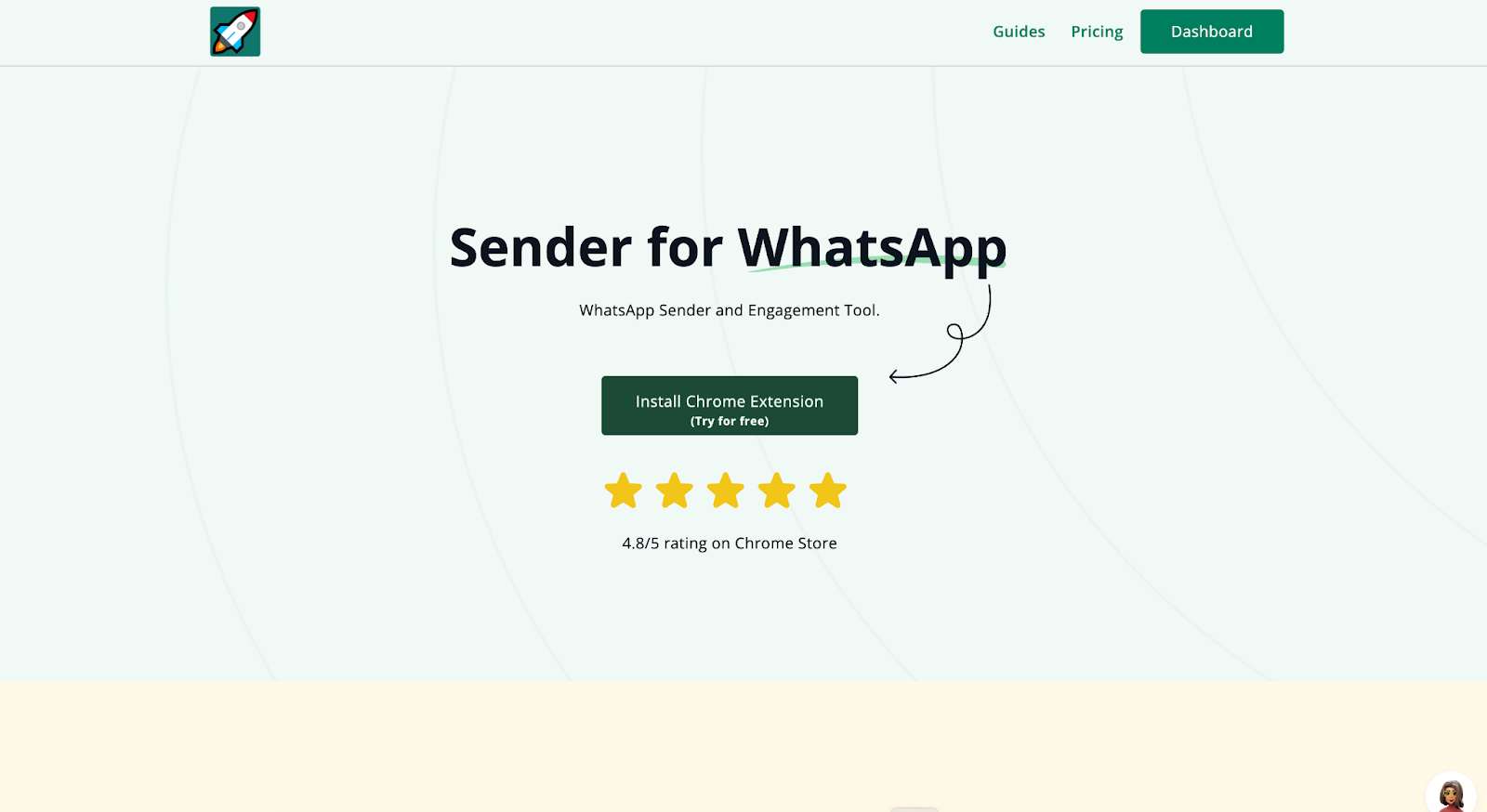
Open WhatsApp Web and click Sender in the top-left to open the rocketsend.io pane.
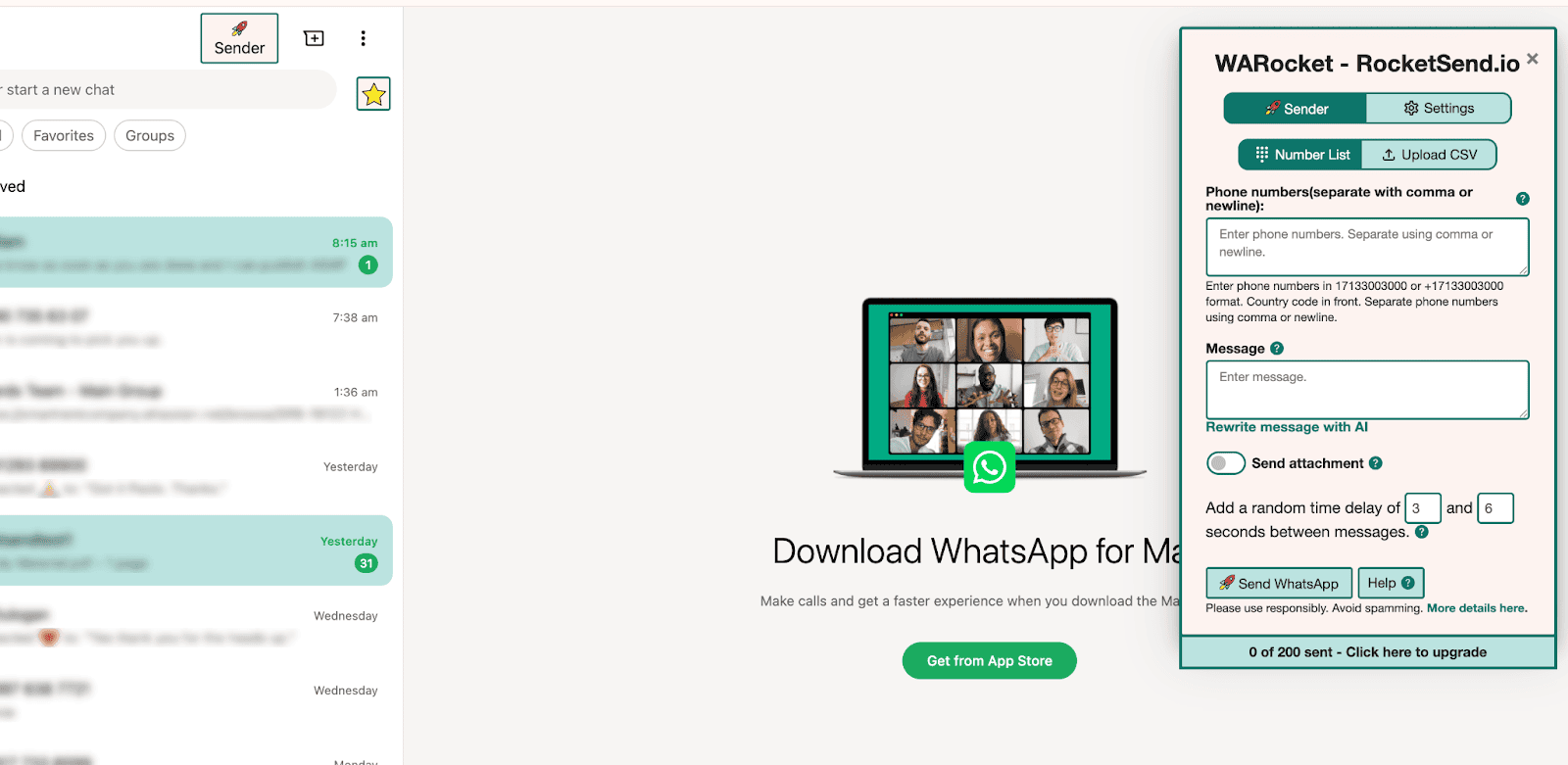
Prepare Your Exclusive Offer Details
- Decide on your promo: discount percentage, free add-on, or early-access deal
- Create a clear call-to-action link or coupon code (e.g., WHATSAPP20)
- Check inventory or capacity to ensure you can fulfill the promotion
Organize Your VIP Contact List
Gather phone numbers of loyal customers or subscribers in a spreadsheet. Save the list as CSV in Excel or Google Sheets for field mapping.
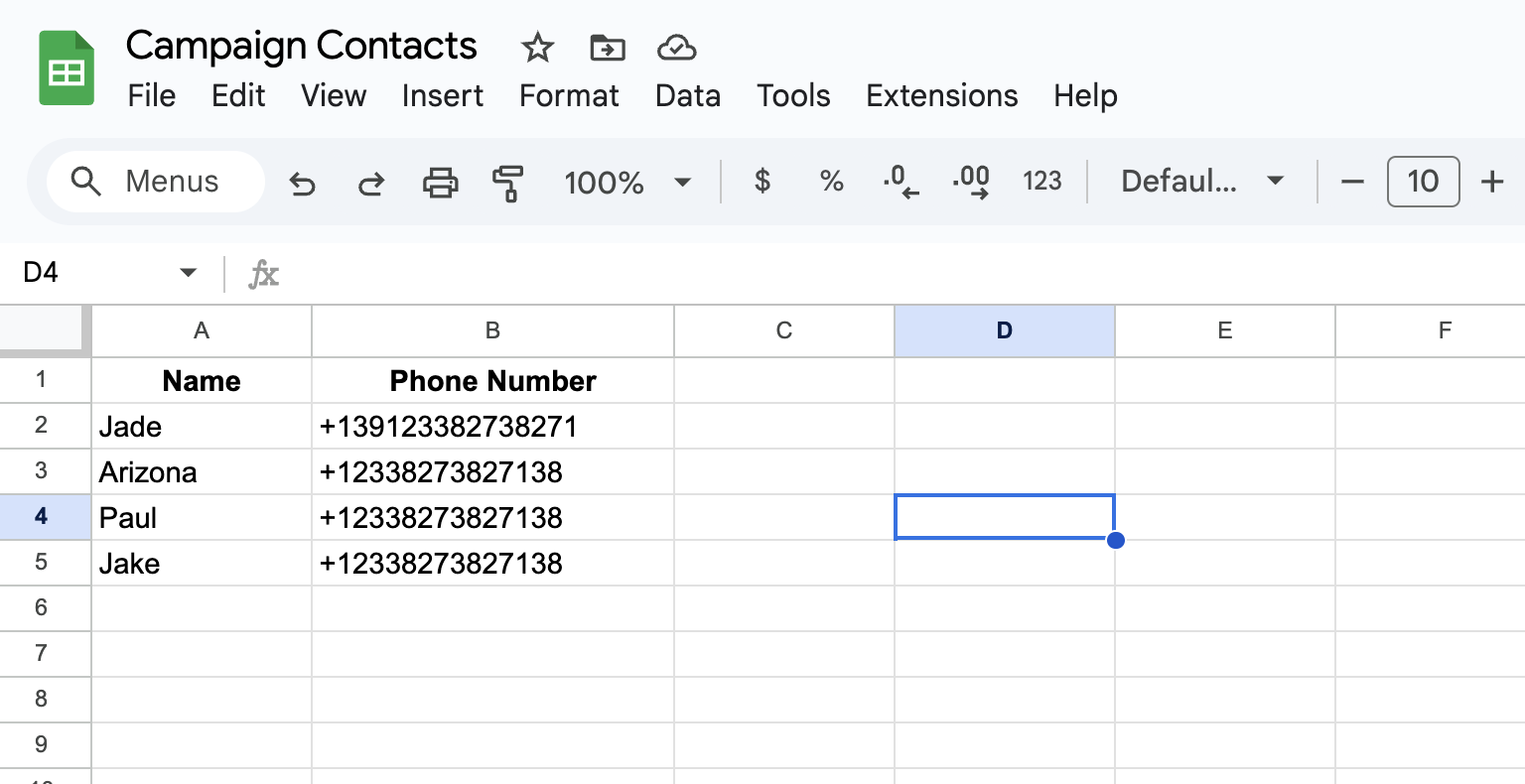
Field Mapping
Click Upload CSV in the rocketsend.io pane
Map phone numbers to Number and names to {{first_name}}.
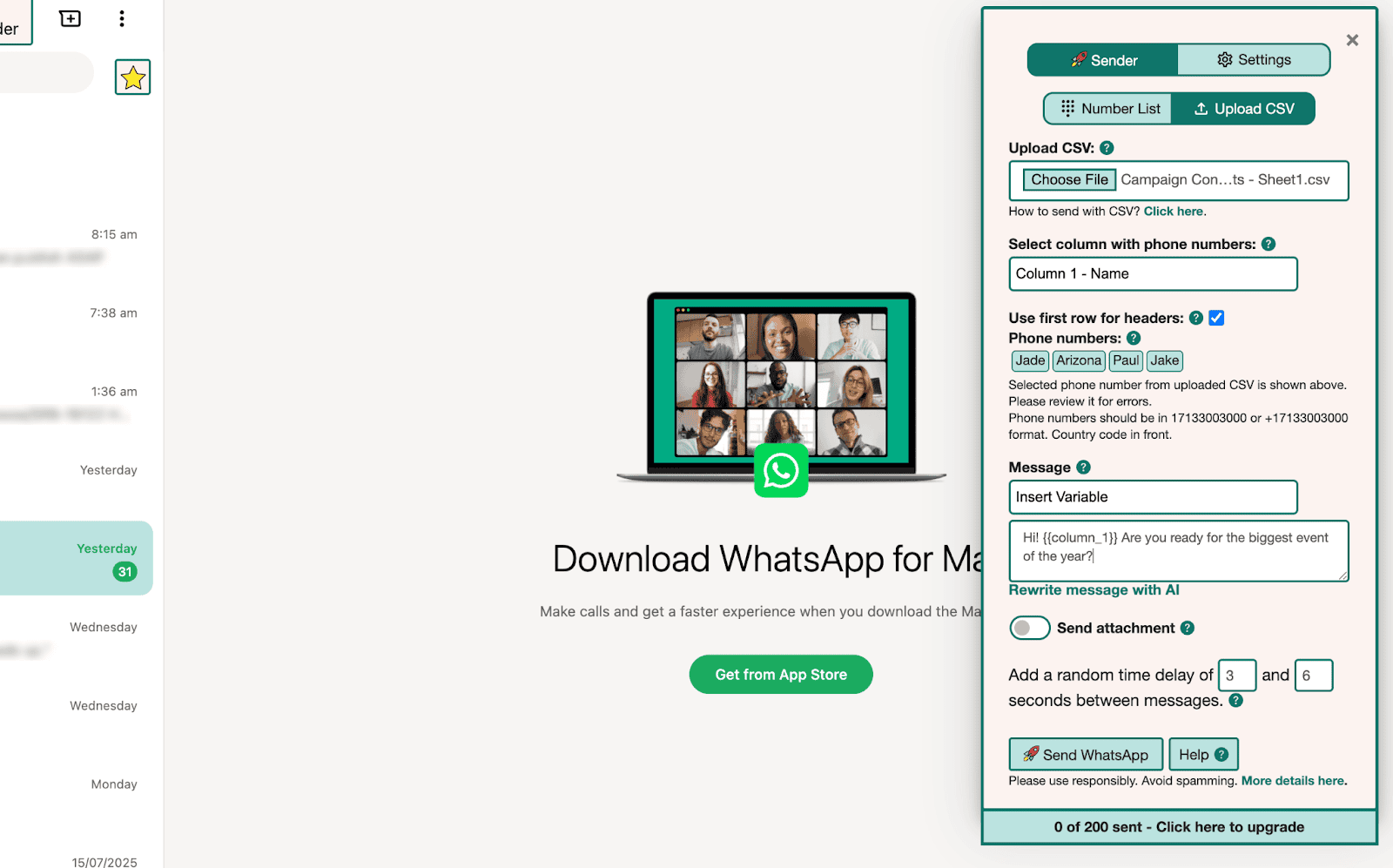
Craft Your Promotion Message
Click New Message in rocketsend.io
Write a concise, urgent promo:
Hi {{first_name}}, here’s an exclusive 20% discount code WHATSAPP20 valid until Sunday. Claim your deal now: {{promo_link}}
Send Your Promotion
To send your promotion right away, click Send WhatsApp in the rocketsend.io pane.
If you prefer to time it for maximum impact, set a reminder in your calendar (for example, at 11 AM local time). When the alert appears, open WhatsApp Web, paste your promo message, and hit Send WhatsApp.
Best Practices & Tips
- Limit the offer window to 72 hours to maintain urgency
- Use clear, action-oriented language like “Claim your deal now”
- Follow up with non-responders after 24 hours with a friendly reminder
- Track promo redemptions to measure ROI and refine future offers
Conclusion
Exclusive WhatsApp promotions can drive rapid sales and deepen customer loyalty. With rocketsend.io, you can set up, map, send, and track limited-time offers—all within WhatsApp Web. Start your next promotion today and watch urgency translate into results.